Support
How to install Studio 56, what it needs and answers to what people ask most.
System requirements
Every plugin in the store plays inside Studio 56, so this is all any of them needs.
- Mac
- macOS 10.15 Catalina or later, on Apple silicon or Intel
- Windows
- Windows, 64-bit
- Plugin formats
- VST3 and AU on Mac, VST3 on Windows
- DAWs
- Ableton Live, Logic Pro, GarageBand, FL Studio and other DAWs that load VST3 or AU plugins, but not Pro Tools
- Internet
- To sign in, to get what you buy and to make instruments and effects, but not to play them
Install Studio 56
- Get Studio 56 on the computer you make music on. The one download has Studio 56 for instruments and Studio 56 FX for effects.
- Open it and follow its steps.
- If your DAW was open, quit it and open it again so it finds Studio 56.
- Add Studio 56 to a track and sign in with your Studio 56 account.
Add Studio 56 to a track
FL Studio
- Options › Manage plugins › Find installed pluginsLet the scan finish, because FL Studio doesn’t list a new plugin until it has scanned for it.
- Browser › Plugin database › Installed › Generators › VST3
- Drag Studio 56 onto the channel rack
Effects are the same clicks with Studio 56 FX, which goes on an effect slot instead of an instrument track.
Ableton Live
On a Mac
- Settings › Plug-Ins › Audio Units › RescanTurn the Audio Units switch on (Audio Units v2 in newer versions), then press Rescan. Settings is called Preferences before Live 12.
- Browser › Plug-Ins › Studio 56
- Drag it onto a MIDI track
On Windows
- Settings › Plug-Ins › VST3 Plug-In System Folders › RescanTurn the switch on, then press Rescan. Settings is called Preferences before Live 12.
- Browser › Plug-Ins › Studio 56
- Drag it onto a MIDI track
Effects are the same clicks with Studio 56 FX, which goes on an effect slot instead of an instrument track.
Logic Pro
- Quit Logic Pro and open it againIt looks for new plugins as it starts.
- New software instrument track › Instrument slotThe slot is on the track’s channel strip.
- AU Instruments › Studio 56 › Studio 56
Effects are in Studio 56 FX, which goes in an Audio FX slot on any track, under Audio Units and then Studio 56.
GarageBand
- GarageBand menu › Settings › Audio/MIDI › Enable Audio Units
- Software instrument track › Smart Controls › Instrument slotClick the right side of the slot, in the plugins area.
- AU Instruments › Studio 56 › Studio 56
Effects are in Studio 56 FX, which goes in an empty plugin slot beside the Instrument slot, under Audio Units and then Studio 56.
Another DAW
On a Mac
- Quit your DAW and open it againMost DAWs look for new plugins as they start.
- Run the plugin scan in its settings if Studio 56 isn’t listed
- Add Studio 56 from its VST3 or Audio Units instruments
On Windows
- Quit your DAW and open it againMost DAWs look for new plugins as they start.
- Run the plugin scan in its settings if Studio 56 isn’t listed
- Add Studio 56 from its VST3 instruments
Effects are the same clicks with Studio 56 FX, which goes on an effect slot instead of an instrument track.
Common questions
How do I get what I bought?
Get Studio 56, add it to a track in your DAW and sign in with the email you paid with. Everything you bought is on Home. An effect opens in Studio 56 FX, which installs with it.
I paid without an account. How do I sign in?
Your account was made from the email you paid with, with no password. On the sign-in page, ask for a code by email, or use Google if that’s a Google address.
Can I use Studio 56 on more than one computer?
Yes. Sign in with the same account on each computer and everything is there. Your account plays on one computer at a time: while Studio 56 makes sound on one, it pauses on the others until you press Play here or the first has been quiet for a few minutes. Plugins you bought never pause.
Does Studio 56 work offline?
Yes. Your instruments are saved on your computer, so playing works without a connection. If Studio 56 hasn’t been online for 90 days, it signs you out the next time it connects. Your songs keep playing while you’re signed out, and signing in again opens your instruments.
Studio 56 isn’t in my DAW. What do I do?
Quit your DAW and open it again, since most DAWs look for new plugins as they start. The clicks for your DAW are under Add Studio 56 to a track.
Do I need Pro to use a plugin I bought?
No. A plugin you bought opens with its presets and every control, whatever your plan. Changing its sound by describing it needs Pro.
How do I update Studio 56?
It updates itself, and when a new version is ready it asks you to restart your DAW.
How do I change or cancel my plan?
Open your account and choose Manage my plan. If you cancel, your songs keep playing with the instruments already in them, and everything you made stays saved in your Studio 56 library.
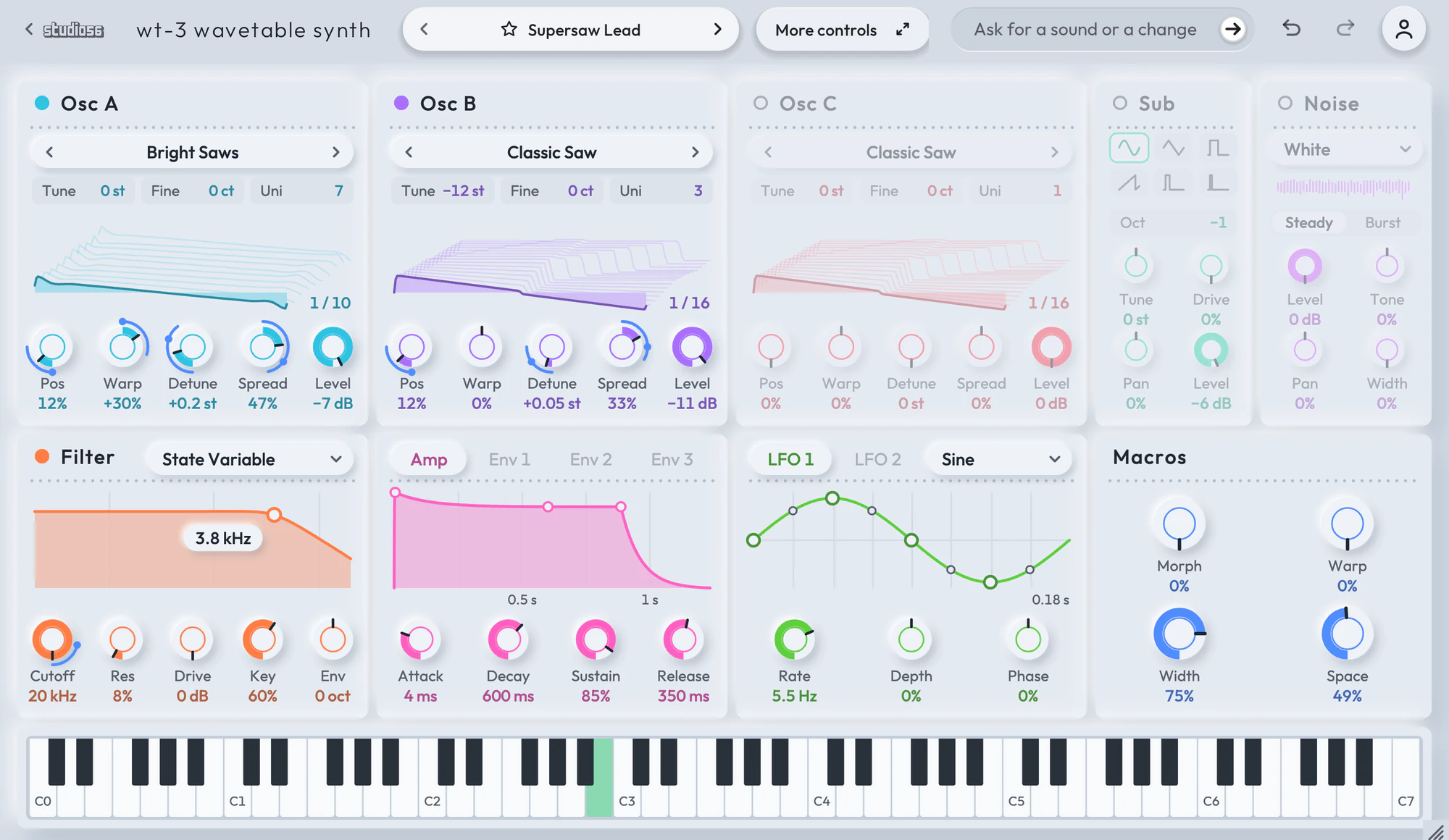
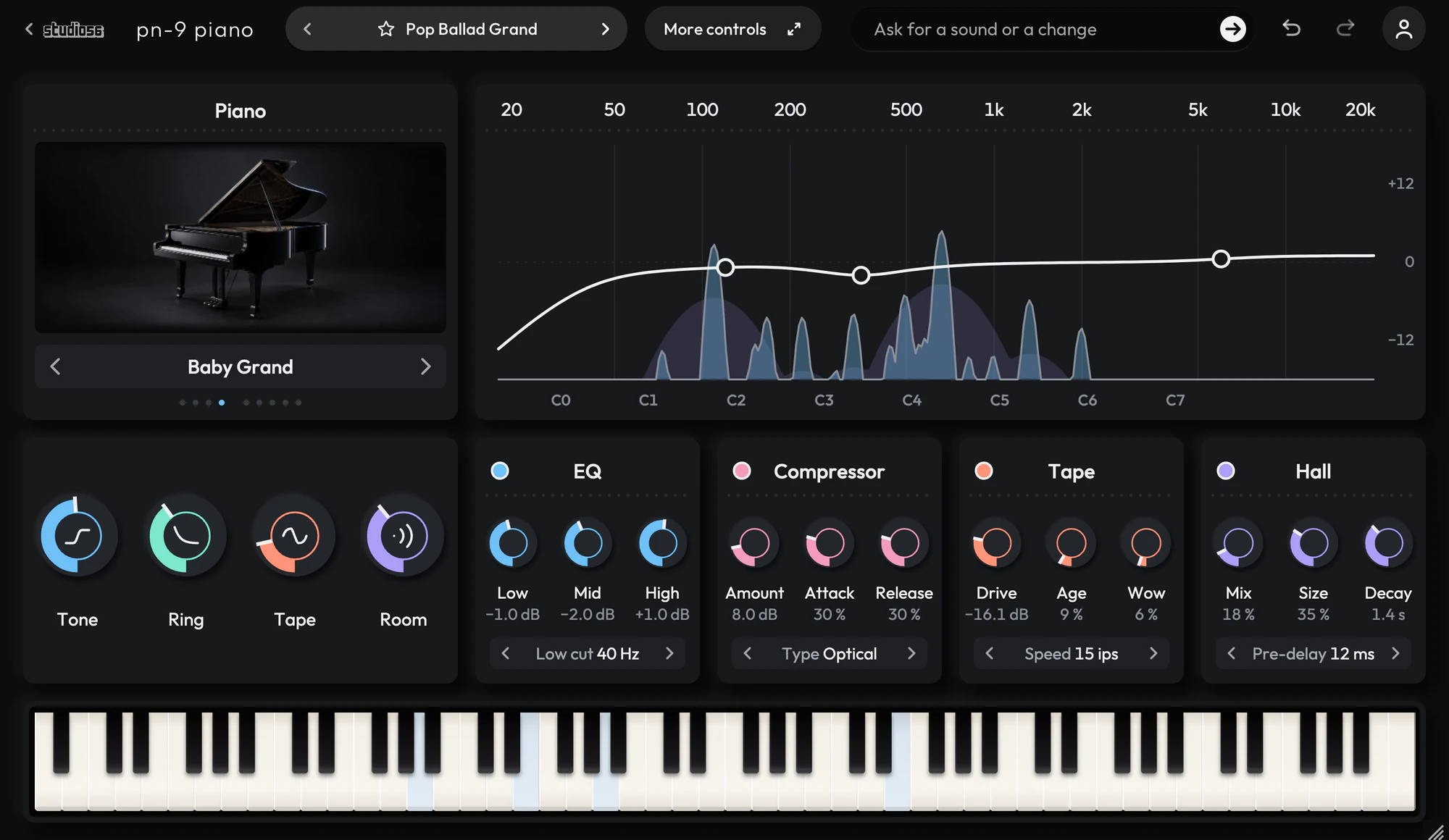
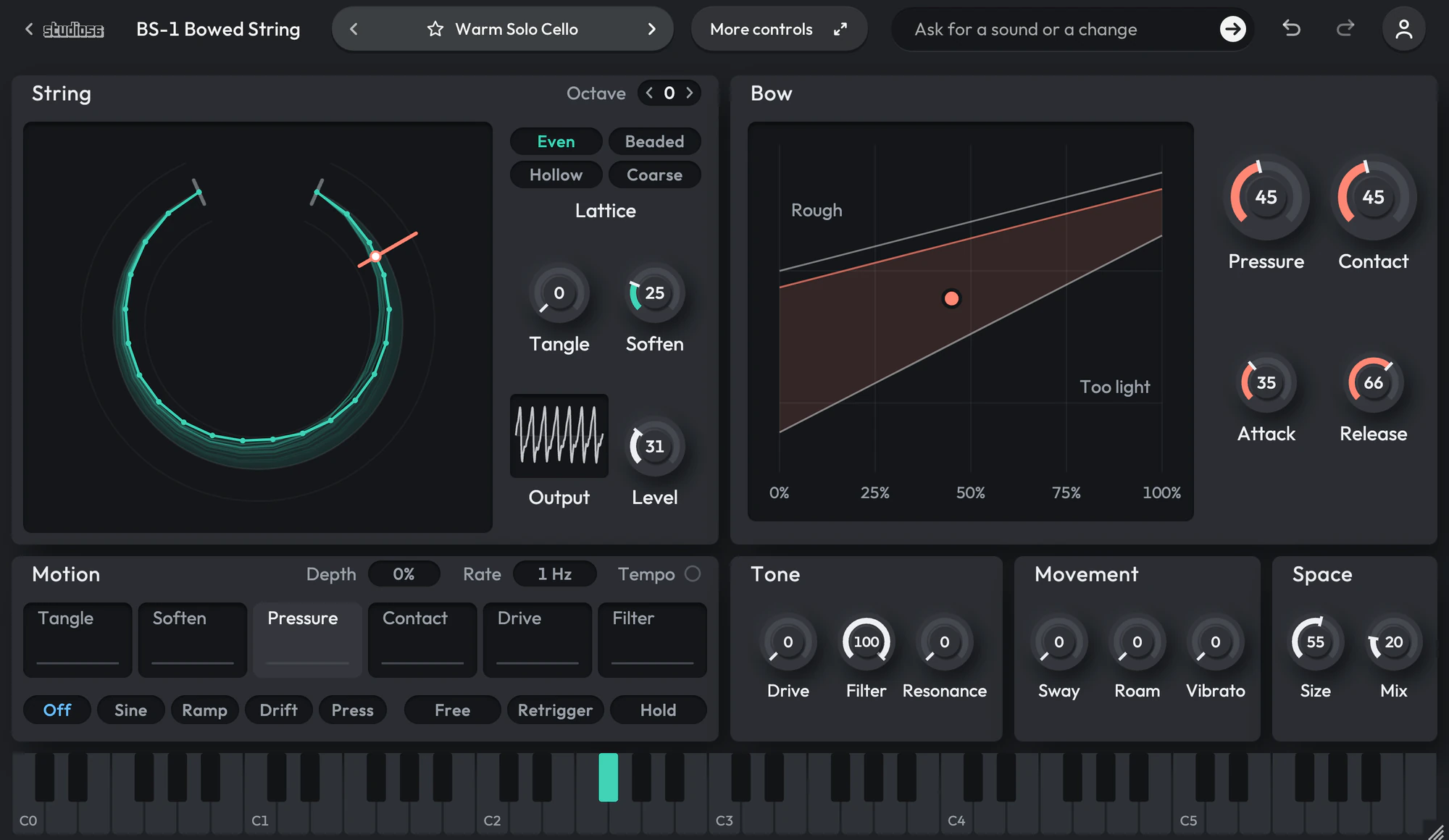
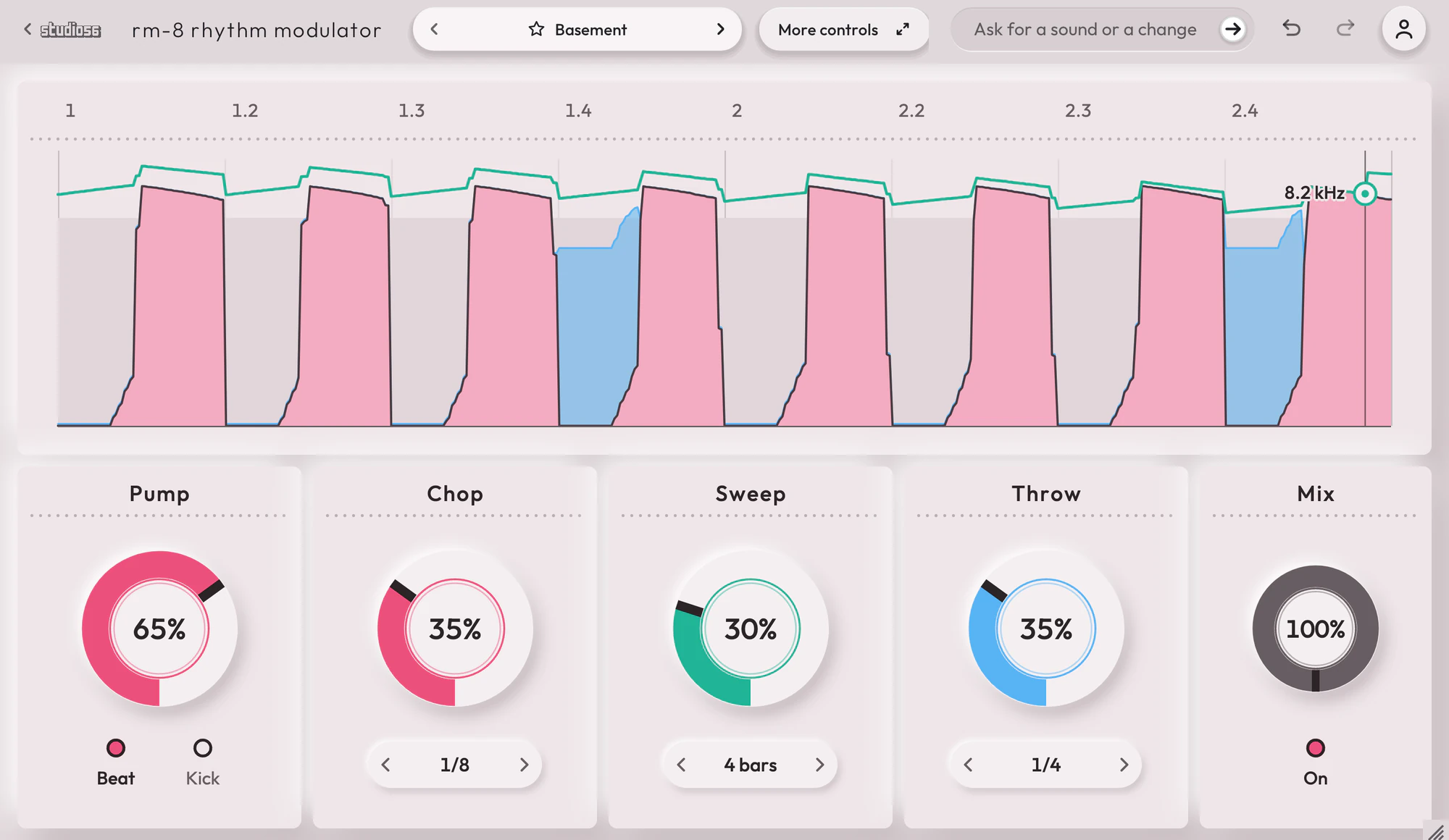
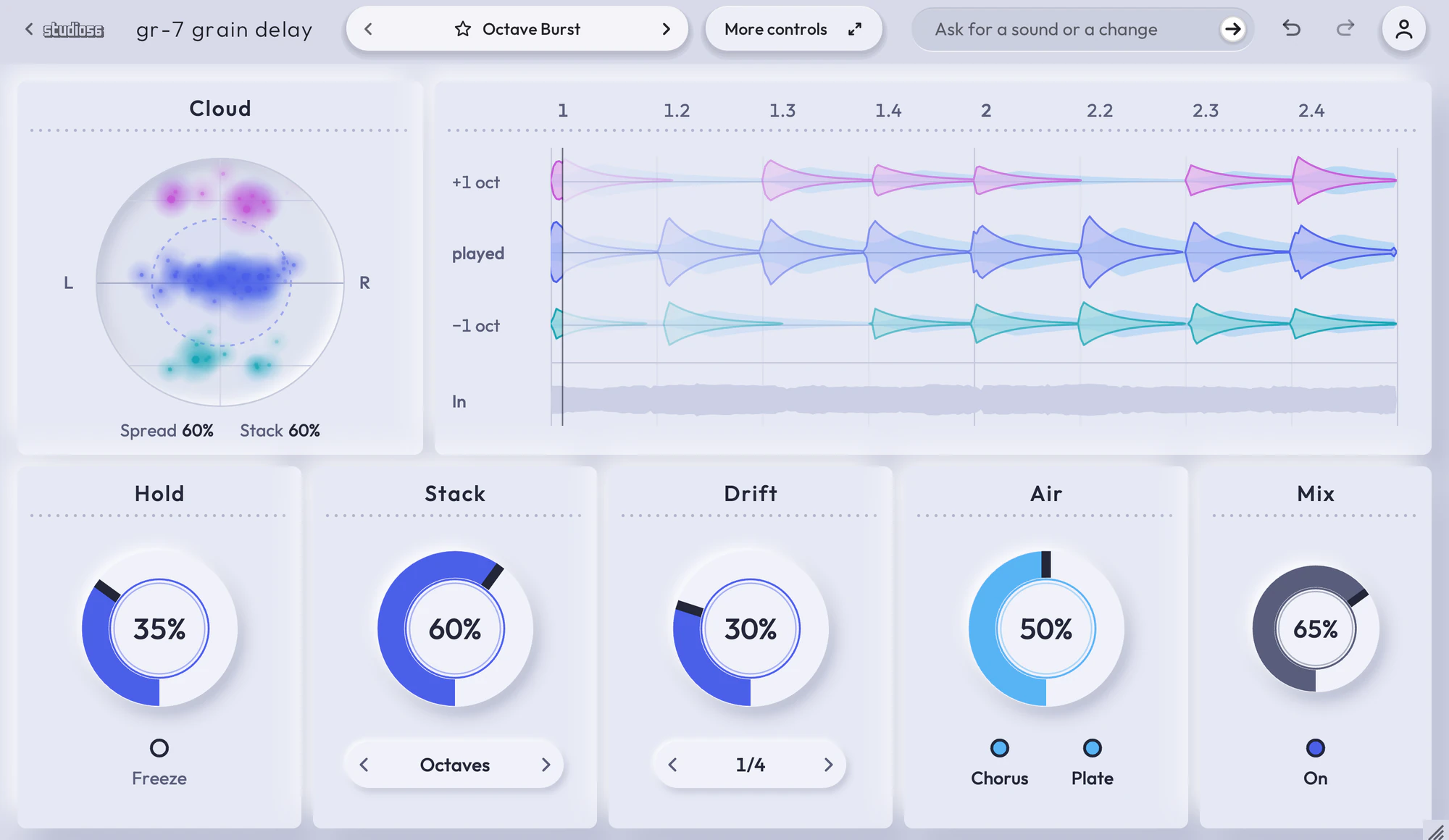
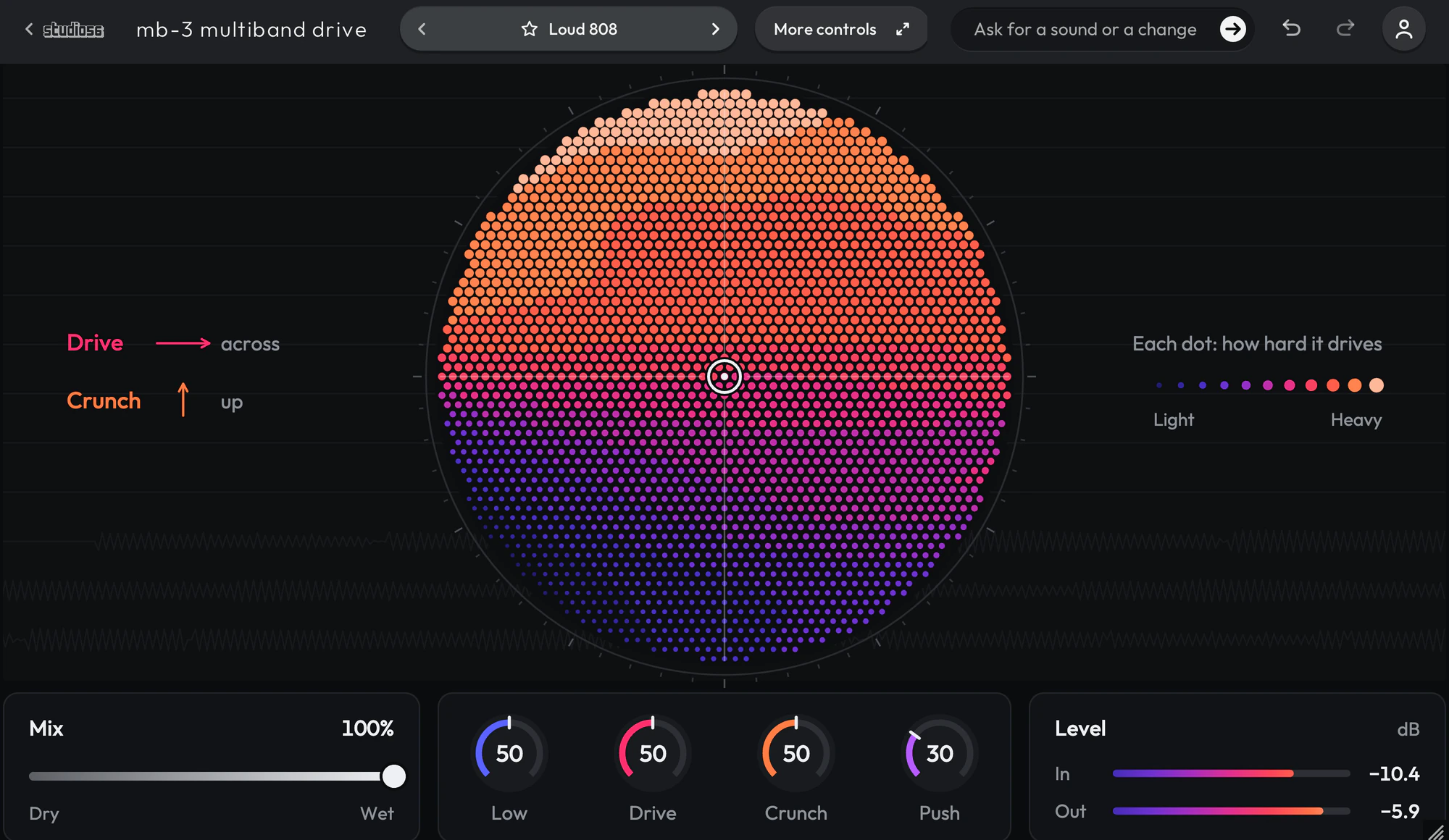
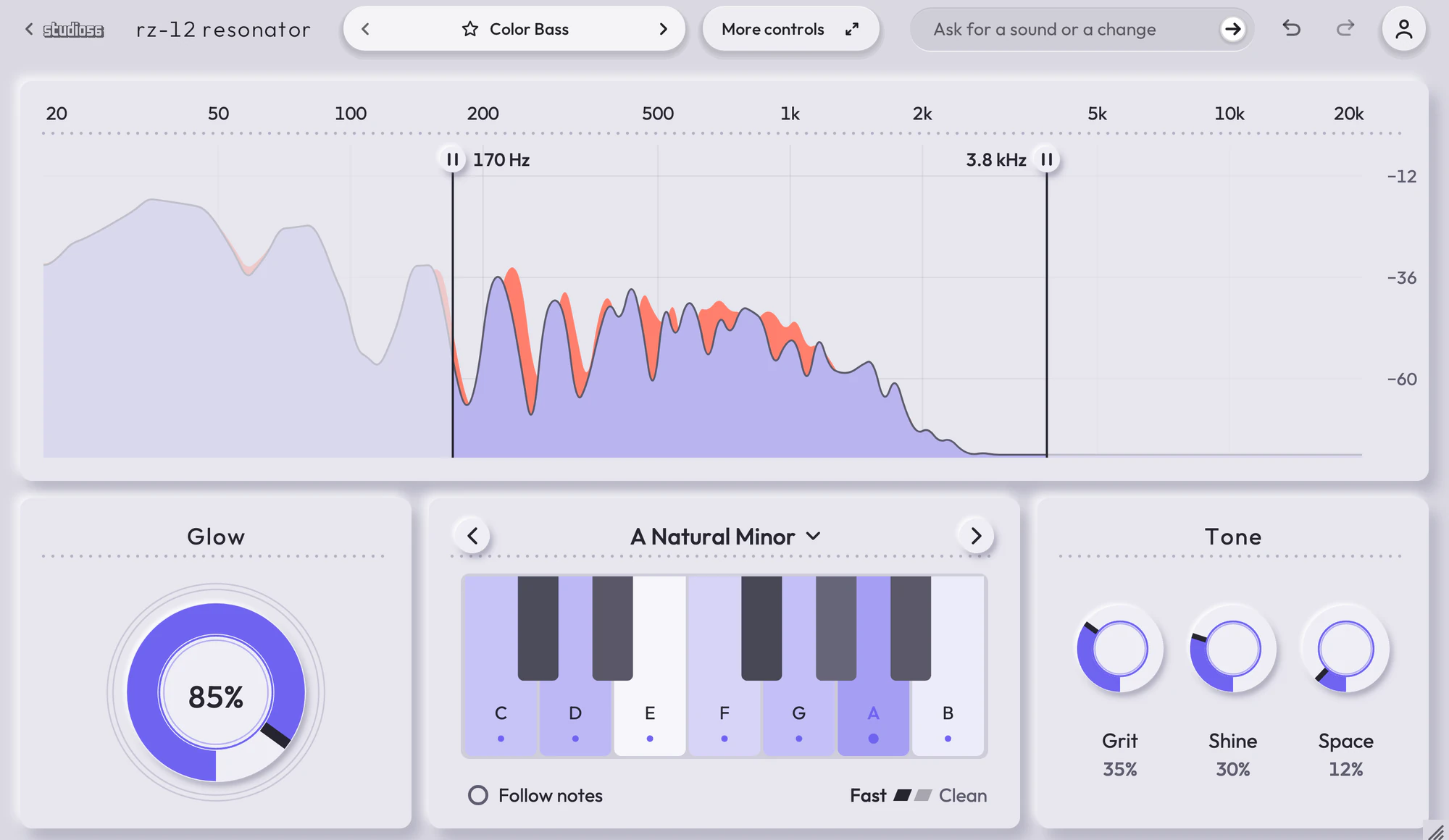
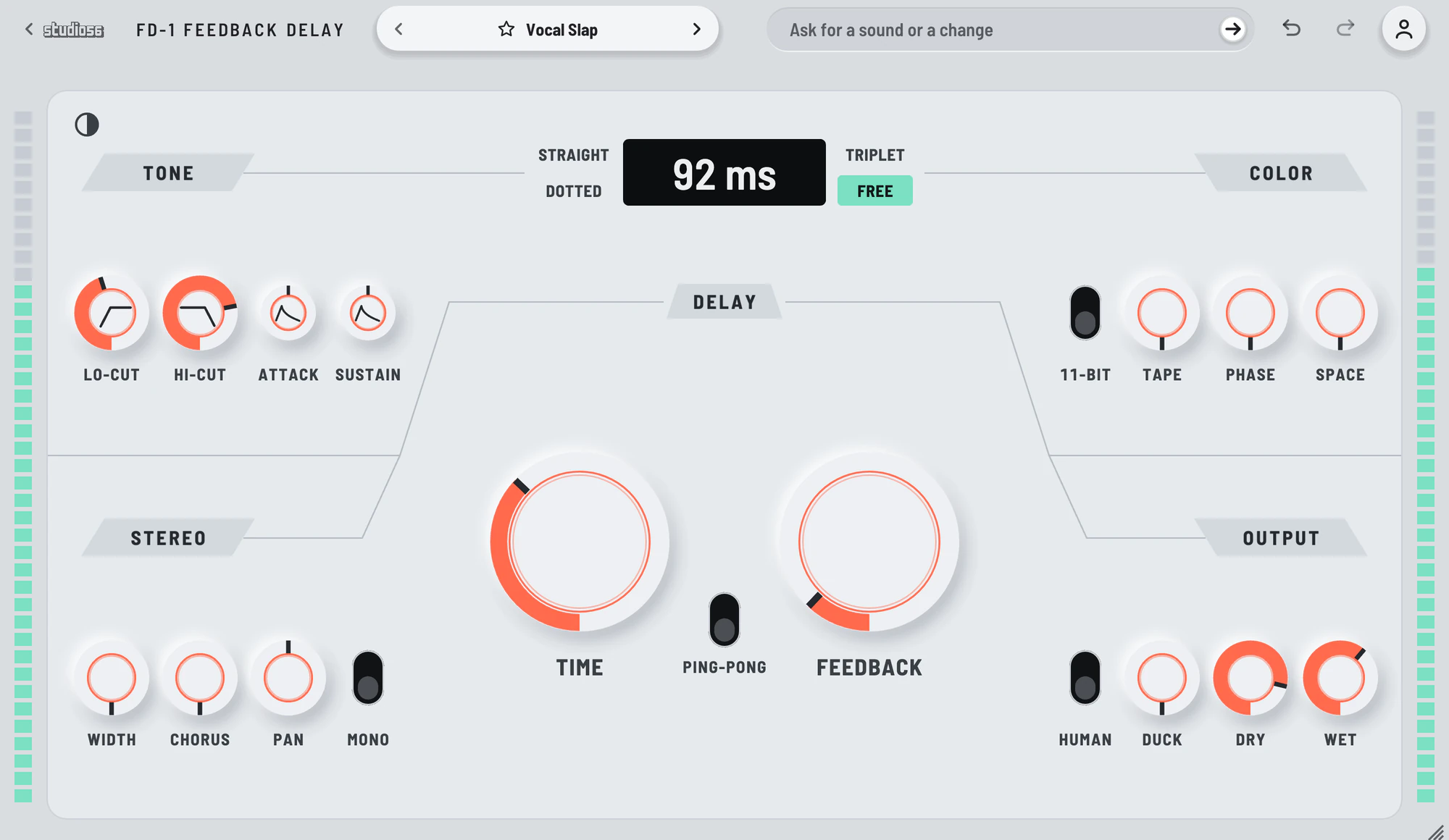
Plugin manuals
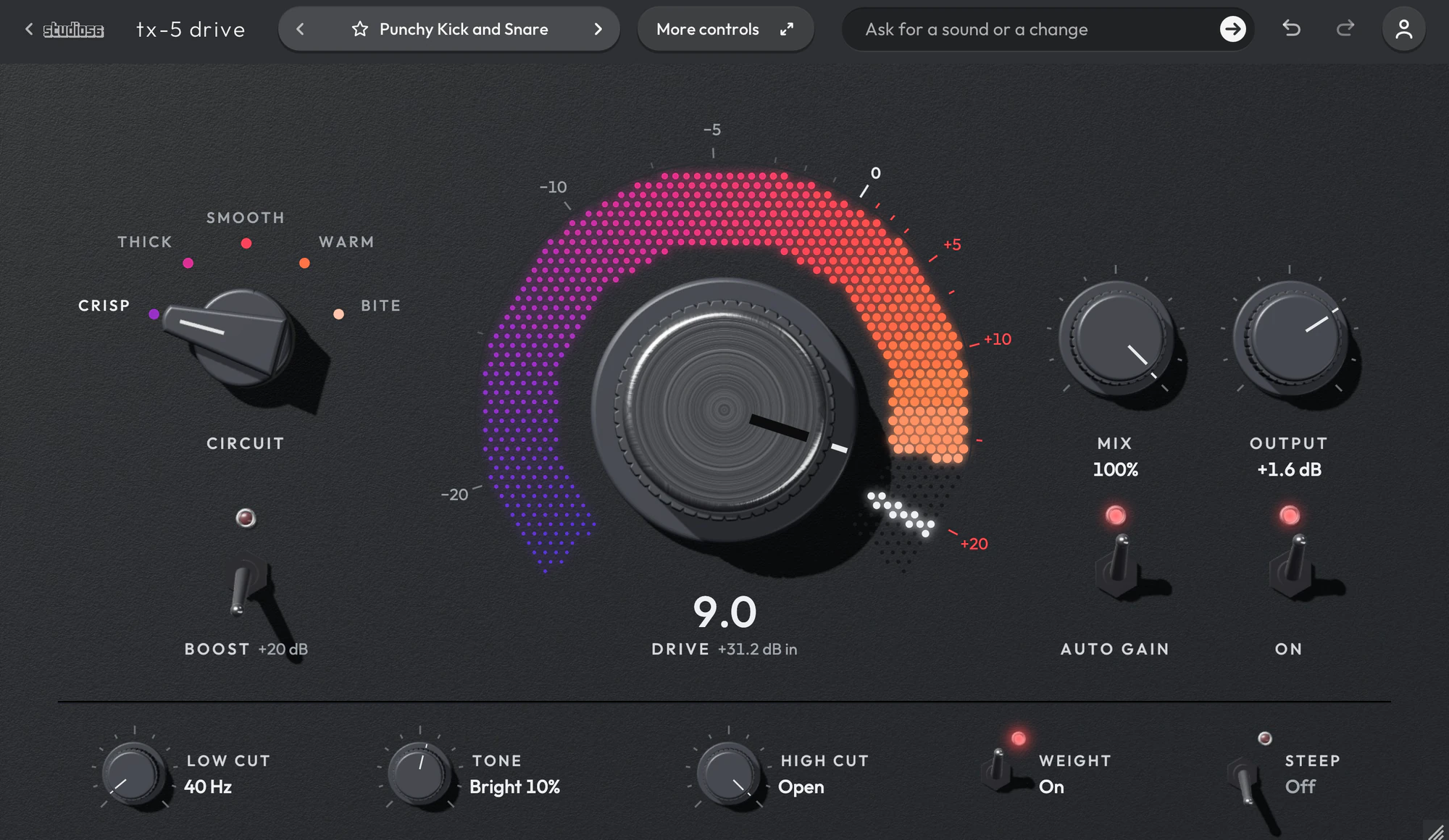
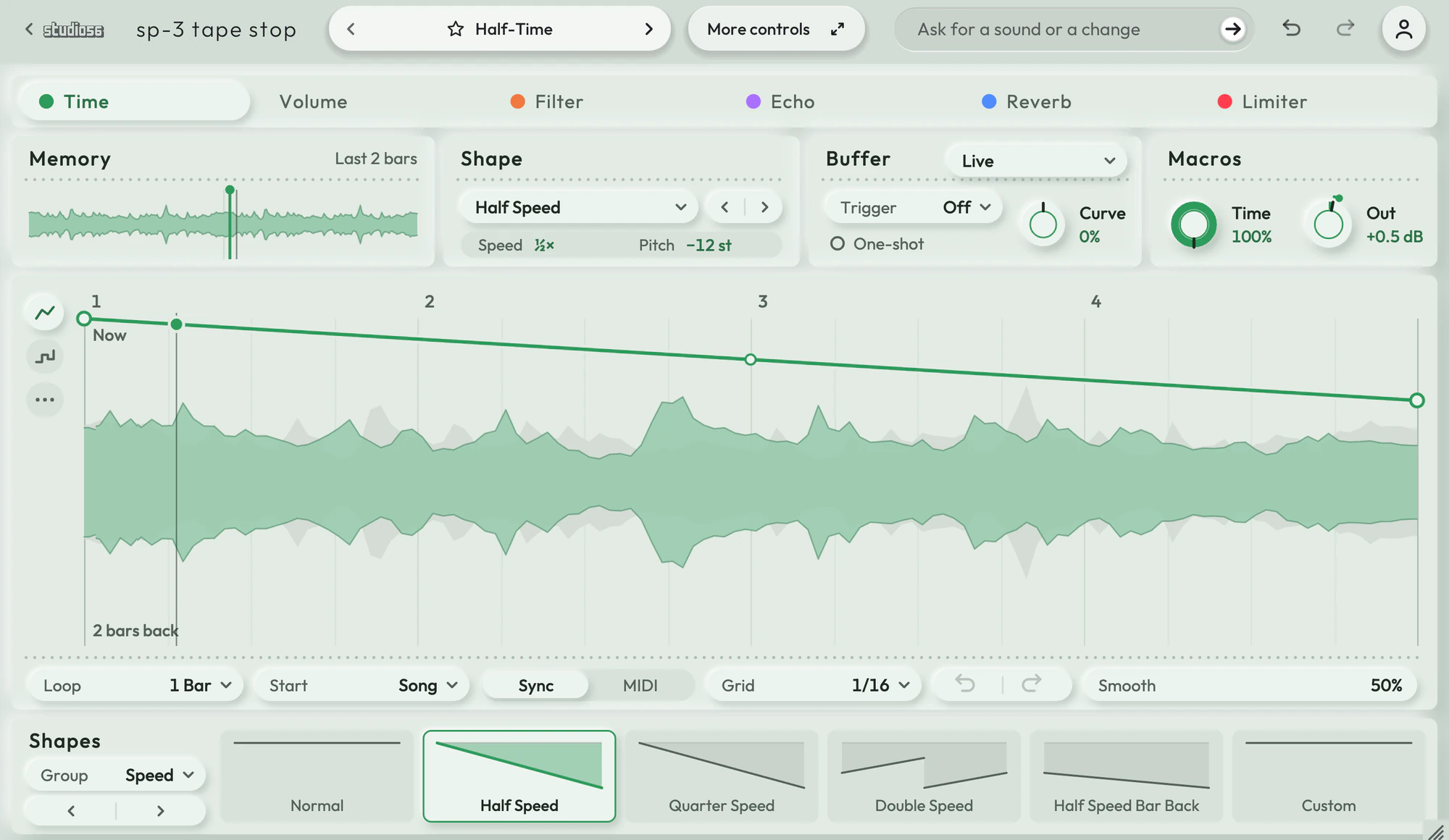
Instruments3
Contact
For anything not answered here, including a question about a payment, write to oliver@studio56.ai. You can also ask on Discord, and Status says whether Studio 56 is working as it should.