Say what you want to hear
Type it into the line at the bottom of Studio 56 the way you would tell another producer, like “make me a supersaw synth for the drop”. Ask for an instrument or an effect.
Describe a sound and it builds an instrument or effect for your next track, right in your DAW.
It all happens inside the Studio 56 plugin, right in your DAW, with no code to write and nothing new to learn.
Type it into the line at the bottom of Studio 56 the way you would tell another producer, like “make me a supersaw synth for the drop”. Ask for an instrument or an effect.
AI picks blocks from a library of more than a hundred verified DSP blocks, then sets and wires them together instead of writing new code. A card shows it being made, usually in a few minutes, and Open plays it.
Ask for a new part, like a delay or a darker filter, and it makes a new version. The version your song already uses keeps playing and stays as it was.
What it makes comes with what you expect from a plugin you buy: four knobs to shape it, more controls underneath, and presets.
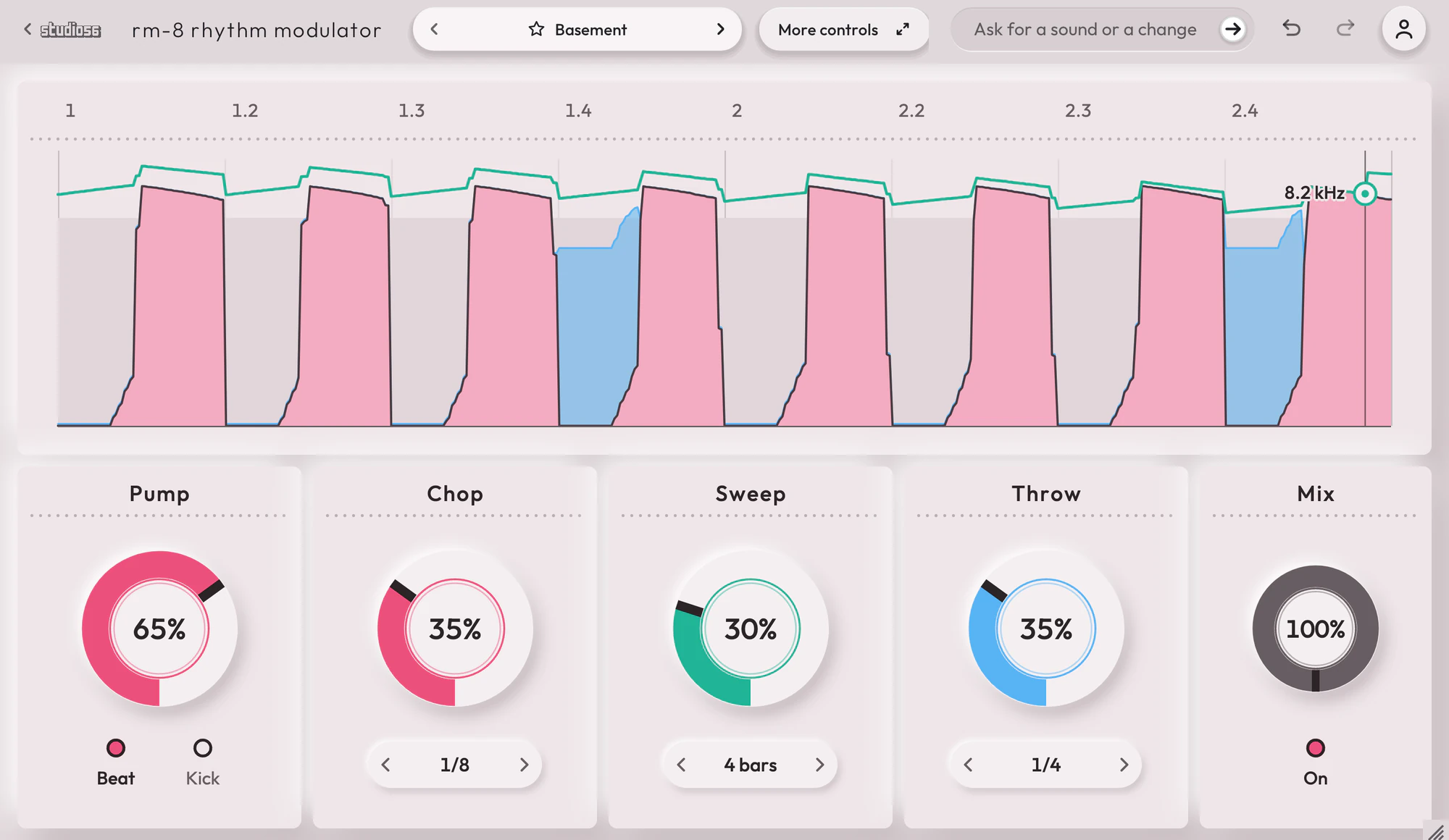
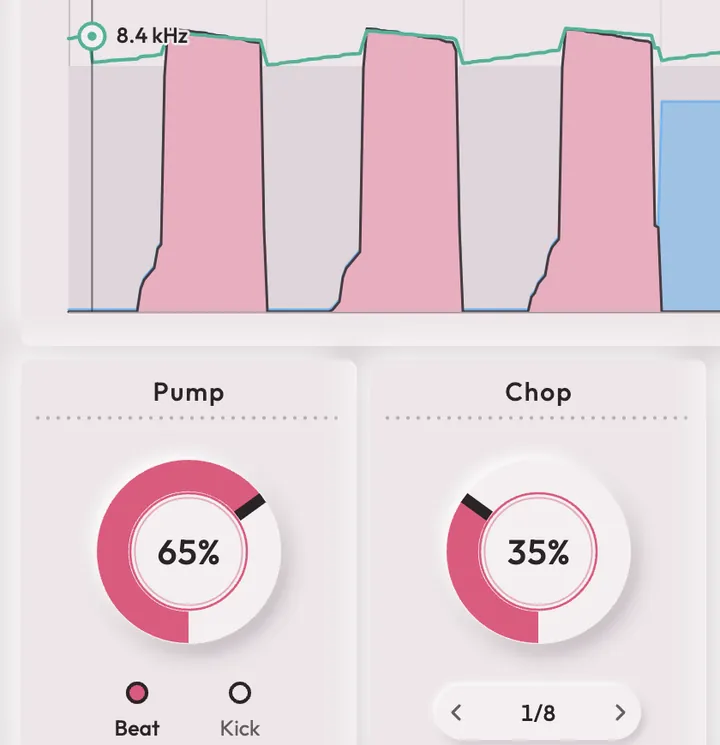
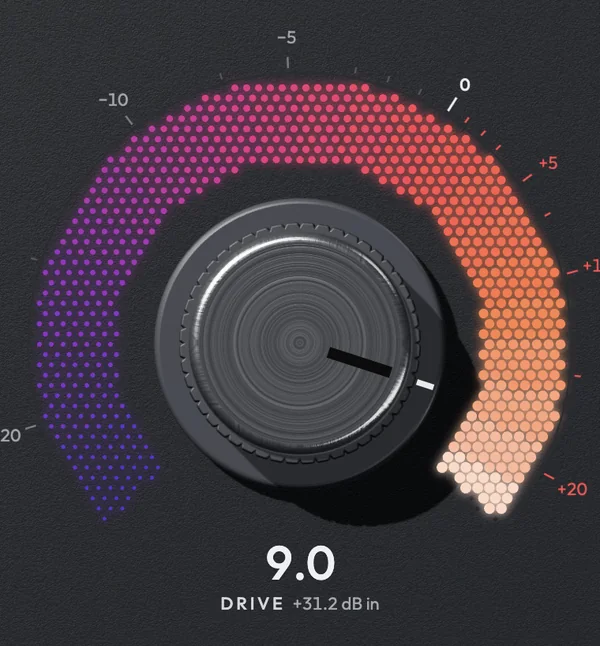
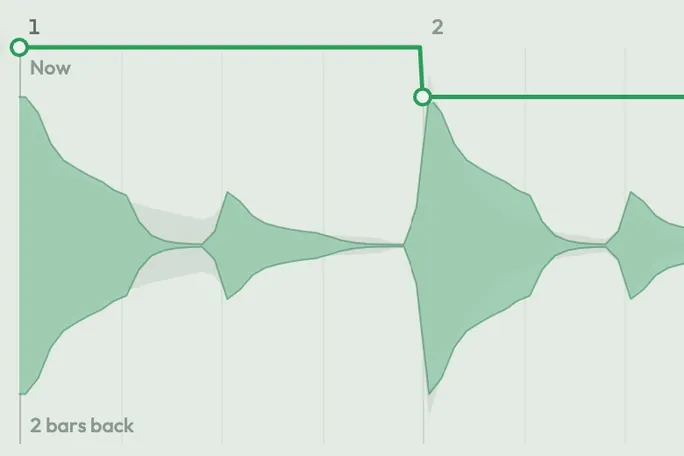
Each of its four knobs moves up to eight controls at once, so one turn changes the whole sound. Here RM-8 Rhythm Modulator’s Pump and Chop are turned up.
Behind the four knobs, More controls opens the settings the face has no room for, from the parts it was built from.
Each one comes with presets sorted into families. Drag between two to blend them, or ask for four more like the one you are on.
Each of its four knobs moves up to eight controls at once, so one turn changes the whole sound. Here RM-8 Rhythm Modulator’s Pump and Chop are turned up.
Behind the four knobs, More controls opens the settings the face has no room for, from the parts it was built from.
Each one comes with presets sorted into families. Drag between two to blend them, or ask for four more like the one you are on.
Bought one by one, all 10 come to $850. Pro gives you every one, plus plugins of your own, for $10 / month.
10 plugins
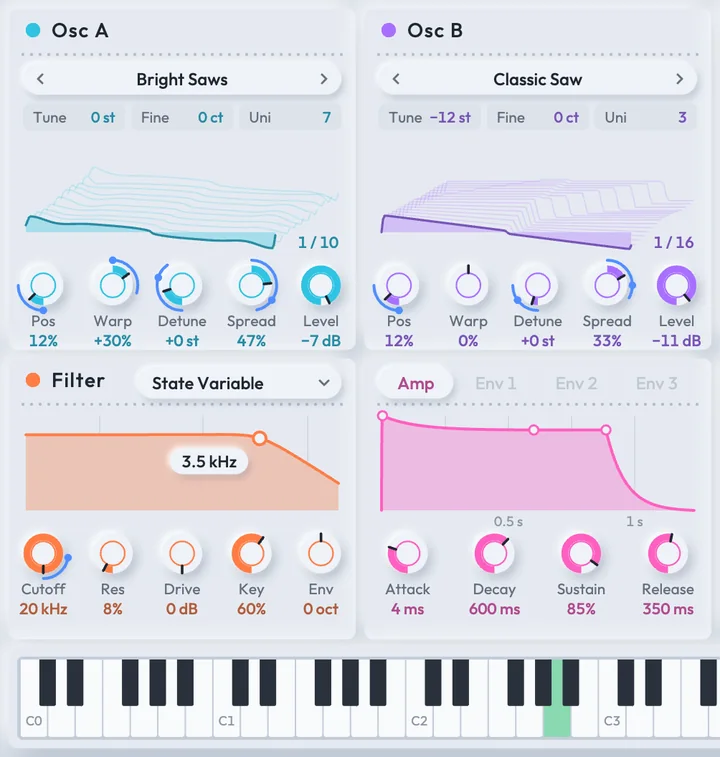
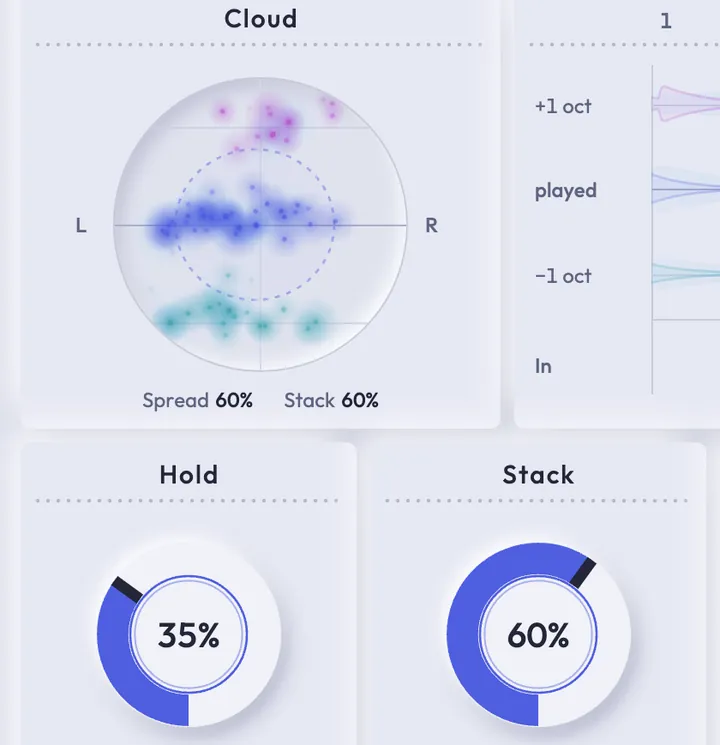
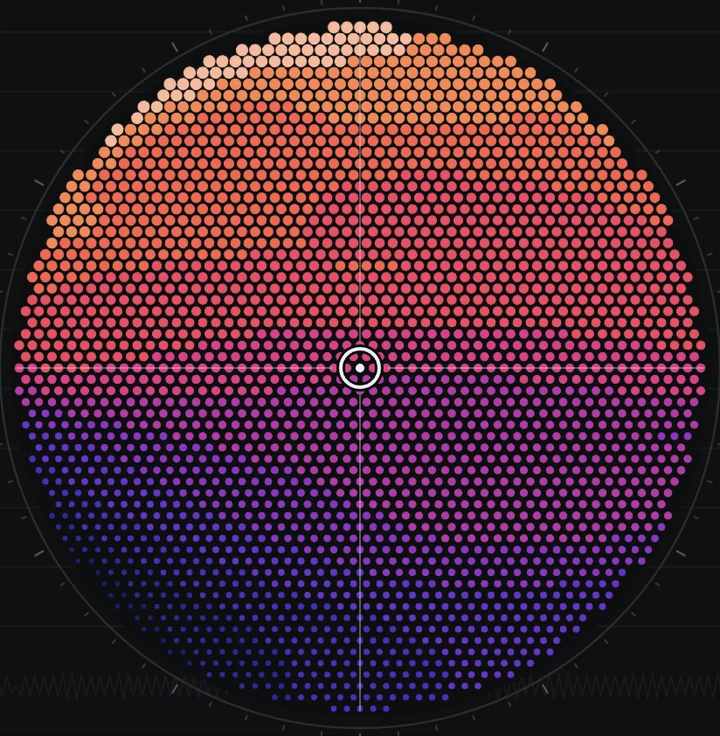
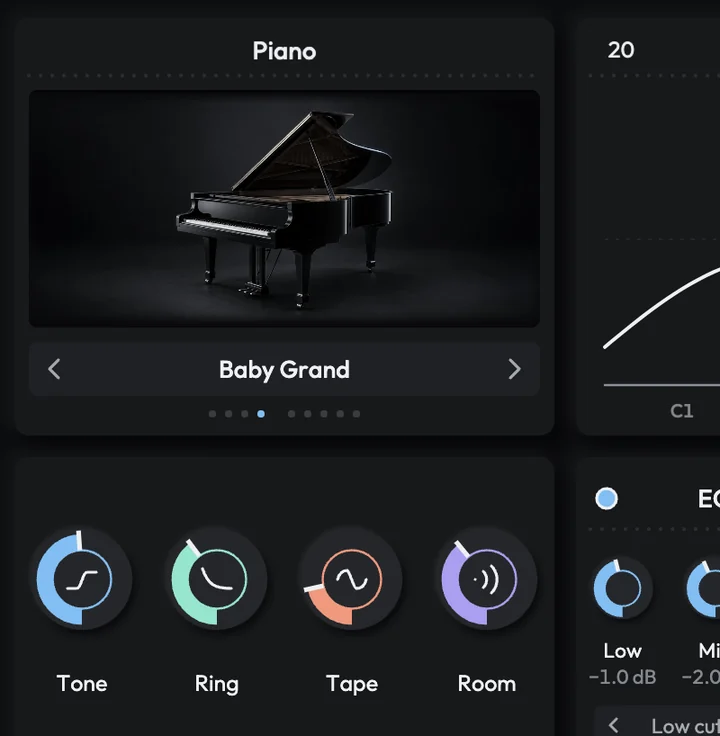

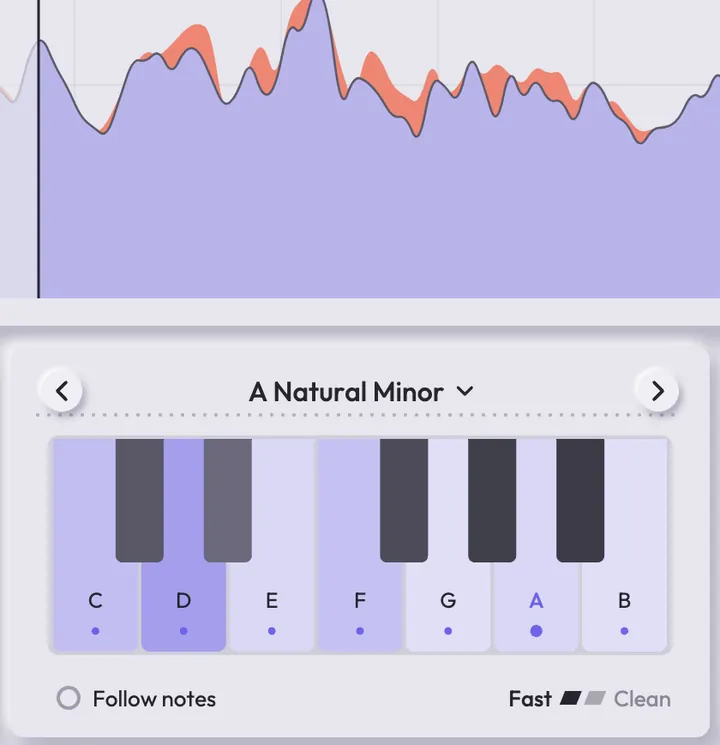
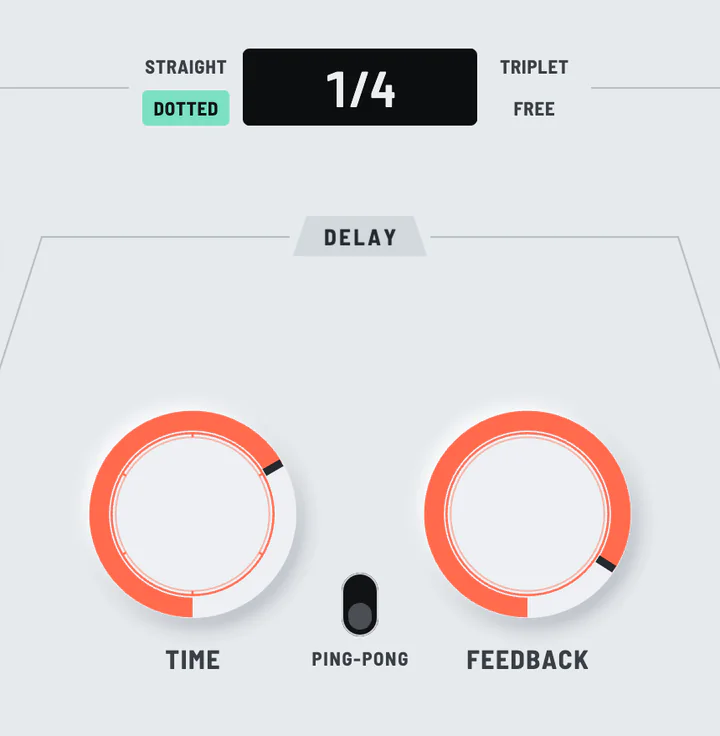
Every plugin on the shelf, plus plugins of your own.
Installing, offline use and more are on the Support page.
No, AI builds the instrument and you make the music.
It’s a VST3 and AU plugin that works in Ableton Live, Logic Pro, GarageBand, FL Studio and most other DAWs except Pro Tools.
Pro starts with a 7-day free trial, then it’s $10 / month and makes about 20 instruments or effects a month. Cancel before the first payment and you pay nothing.
Your songs keep playing with the instruments already in them and everything you made stays in your Studio 56 library. You can’t make anything new or open and edit an instrument until you start Pro again. If you cancel during the free trial you pay nothing, but what you made in it stops playing until you start Pro.
Yes, you can use your instruments in songs, videos, live shows and commercial releases. The one thing you can’t do is sell the instruments themselves.
Synths and effects with their own controls and presets, from basses and pads to reverb and distortion. You can keep changing one after it’s built and ask for new presets. It can’t clone voices or split a song into stems.
AI picks blocks from a library of more than a hundred verified DSP blocks, then sets and wires them together instead of writing new code for each one.
You can play offline because your instruments are saved on your computer, but making a new one needs a connection.
Just me. Say hi or ask questions at oliver@studio56.ai.