MB-3 Multiband Drive
Three distortion stages, each on a band you set
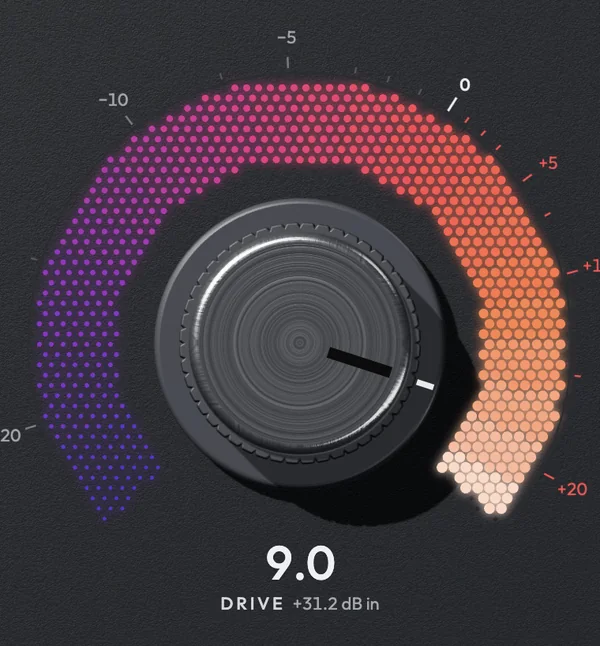
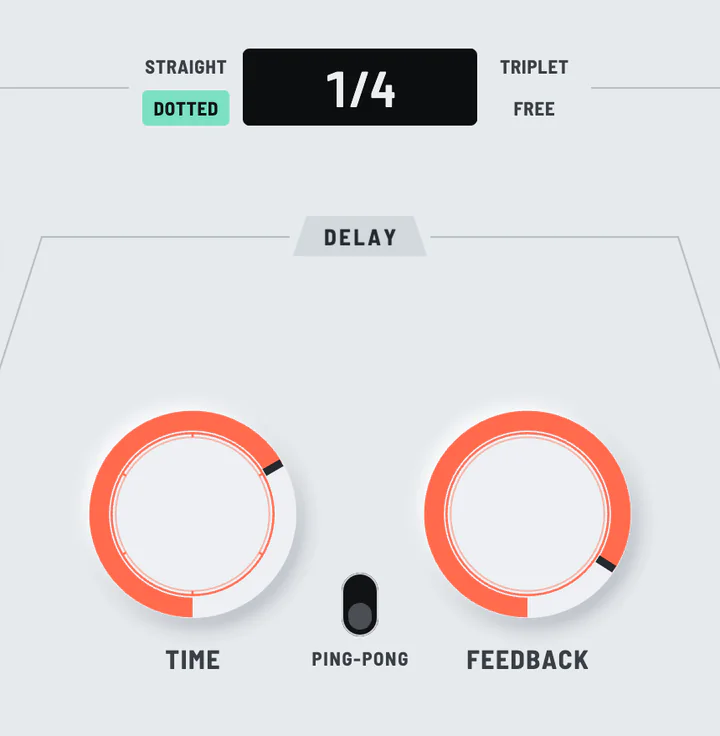
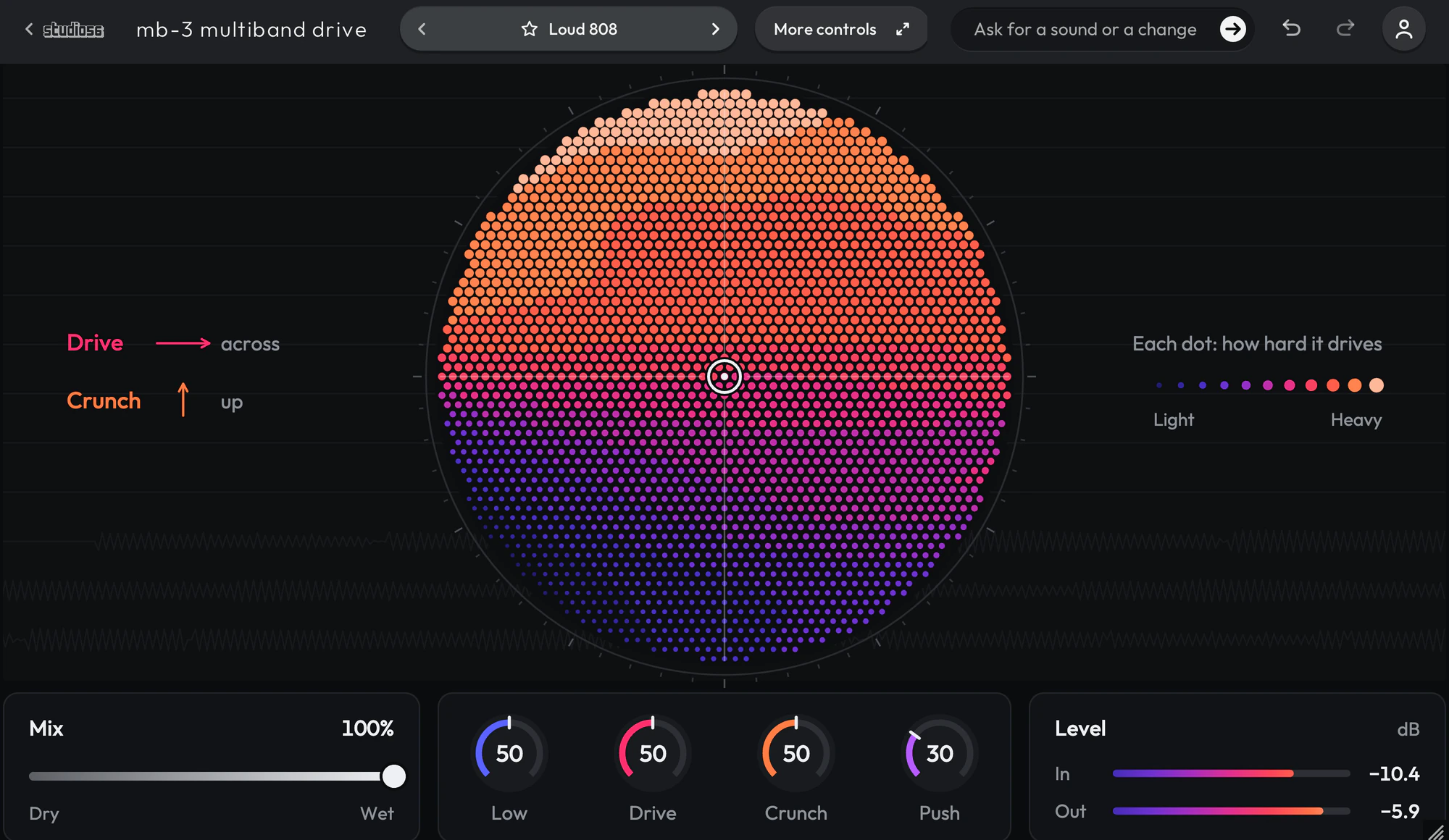
MB-3 Multiband Drive splits your sound at edges you set anywhere from 20 Hz to 20 kHz and drives each of three bands through a stage of its own, while whatever lies outside a stage’s band passes it unchanged. Each stage has nine curves, from tanh saturation and a hard clip to folding, rectifying and a step quantizer, up to 48 dB of drive, a feedback loop that repeats it after 0.2 to 500 ms or a note value of your song, and an effect of its own. The curves run at four times the sample rate at 44.1 and 48 kHz and are read through their antiderivatives, and the plugin tells your music app its fixed delay of about 3 milliseconds, so the app makes up for it.
- 95 presets
- 13 folders
- 4 knobs
- VST3 and AU
$79.00
It’s a one-time payment, and it keeps playing with all of its presets whatever your plan.
95 presets
Sorted into 13 folders and named for how they sound, so you can get to the right one quickly.
- Loud 808808s0:11
- Folded 808 Buzz808s0:12
- Clean Sub Clipper808s0:11
- 808 Octave Fuzz808s0:11
- 808 Echo Grit808s0:12
- Crushed 808808s0:11
- Ringing 808808s0:11
- Mid Crunch 808808s0:11
- Tube 808808s0:11
- Overdriven Glide 808808s0:11
+ 85 more presets
What each knob moves
Low
Turns the level of the stage on the low band and that stage’s low shelf at 500 Hz, and moves where the band ends.
What it moves
The low band’s level, its low tone and where it ends.
Built from verified blocks
- Nine curves in each stage: Saturate, Clip, Fold, Sine Fold, Rectify, Shred, Tube, Overdrive and Warm.
- An effect in each stage: a filter, a flanger, a phaser, a chorus, a delay, a reverb, a frequency shifter or a bit reducer.
- Aliasing under -60 dBc on six of the nine curves, driven up to 30 dB at -6 dBFS.
- One LFO, free at its own rate or in note lengths of your song, on the controls a preset routes it to.
- About 3 milliseconds of delay, which your music app makes up for.
MB-3 Multiband Drive
Three distortion stages, each on its own band, with nine curves and an effect in each.
- One-time paymentIt keeps playing with all of its presets whatever your plan.
- 95 presetsSorted into 13 folders and named for how they sound.
- VST3 and AUWorks in Ableton Live, Logic Pro, GarageBand, FL Studio and other DAWs.
- Goes to your Studio 56 library once you paySign in with that email on any computer and it’s there.
MB-3 Multiband DriveStudio 56
$79.00
If you subscribe to Pro, MB-3 Multiband Drive is already yours. Log in to see.
MB-3 Multiband Drive at a glance
- Product type
- Effect
- Number of presets
- 95
- Sound category
- Distortion
- Plugin formats
- VST3 and AU
- Runs in
- The Studio 56 plugin, free
- Make your own
- How to make your own distortion plugin
System requirements
- macOS
- Windows
- VST3
- AU
- Mac
- macOS 10.15 Catalina or later, on Apple silicon or Intel
- Windows
- Windows, 64-bit
- Plugin formats
- VST3 and AU on Mac, VST3 on Windows
- DAWs
- Ableton Live, Logic Pro, GarageBand, FL Studio and other DAWs that load VST3 or AU plugins, but not Pro Tools
- Internet
- To sign in, to get what you buy and to make instruments and effects, but not to play them
Installing, offline use and more are on the Support page.
MB-3 Multiband Drive FAQ
Does MB-3 Multiband Drive keep working if I buy it?
It’s a one-time payment, and it keeps playing with all of its presets whatever your plan.
Is MB-3 Multiband Drive included in Pro?
Studio 56 Pro comes with MB-3 Multiband Drive and everything else on the shelf, and lets you make plugins of your own.
Which DAWs does MB-3 Multiband Drive work in?
It opens in the Studio 56 plugin, a VST3 and AU that works in Ableton Live, Logic Pro, GarageBand, FL Studio and other DAWs.
How many presets come with MB-3 Multiband Drive?
It comes with 95 presets in 13 folders.
Do I need an account to buy it?
You pay with your email, and it goes on the Studio 56 account for that email, which is made for you if you don’t have one. Sign in with that email on any computer and it’s there.
What if something doesn’t work?
Email oliver@studio56.ai and I’ll help you get it working.
More plugins
View all