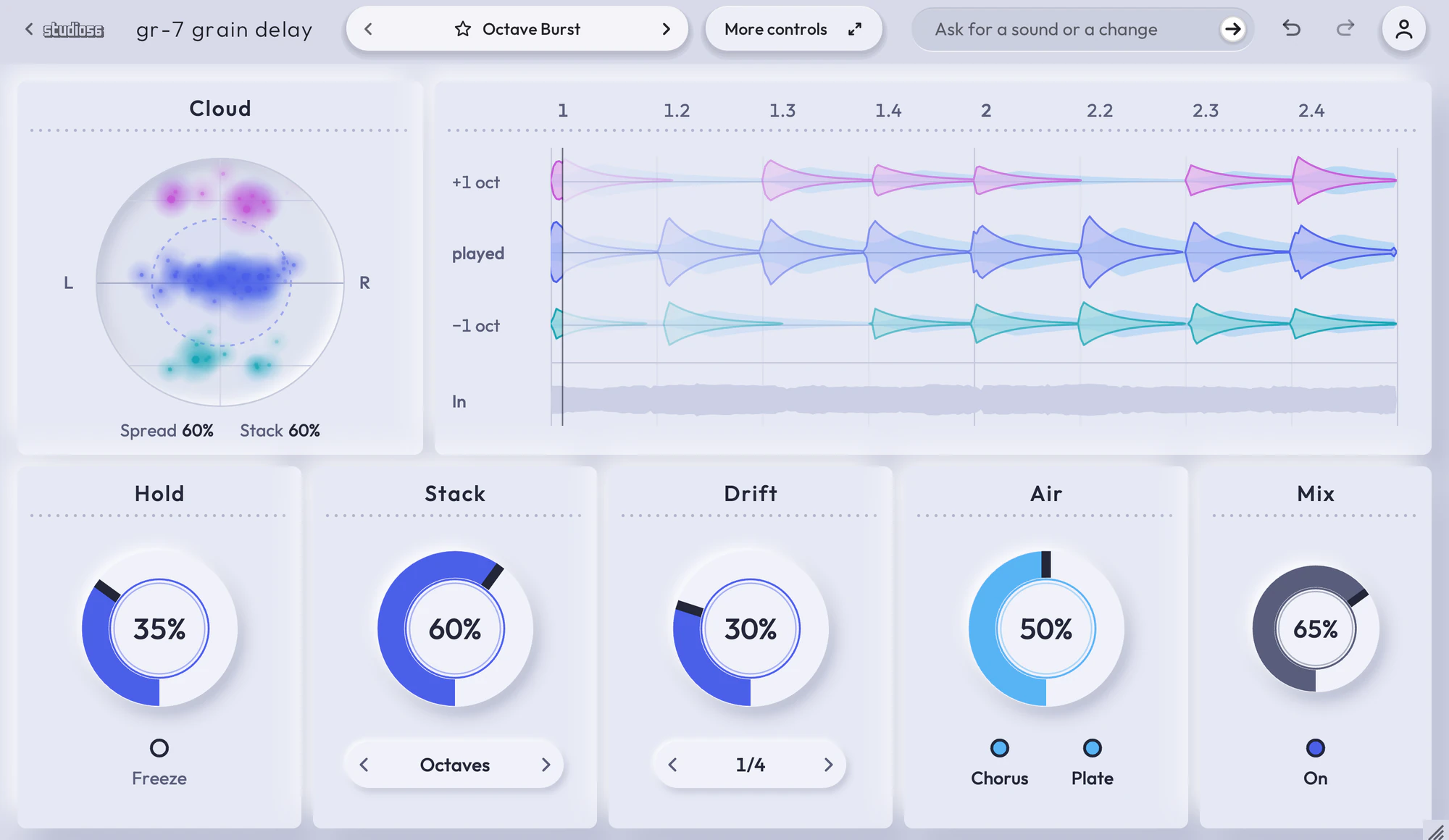
GR-7 Grain Delay
Grains read from the last four seconds of your sound
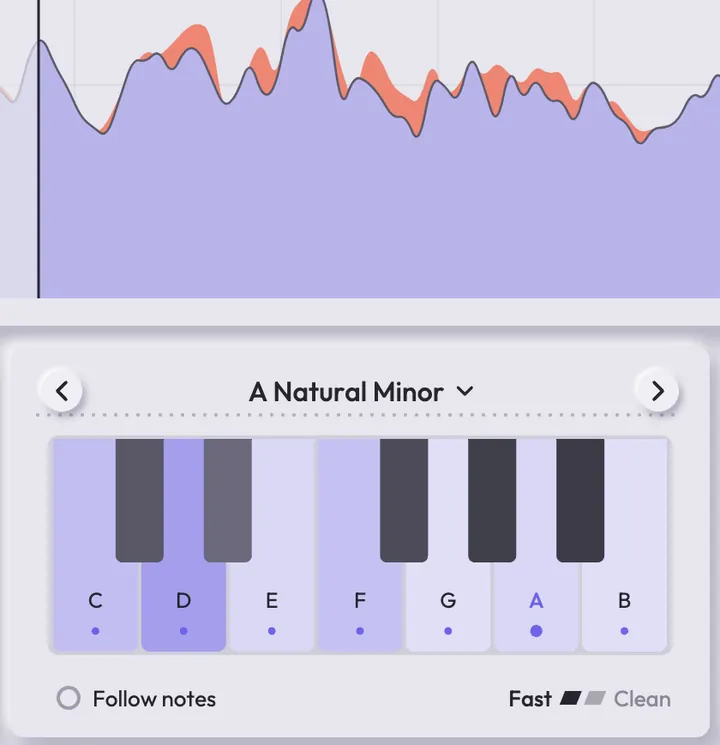
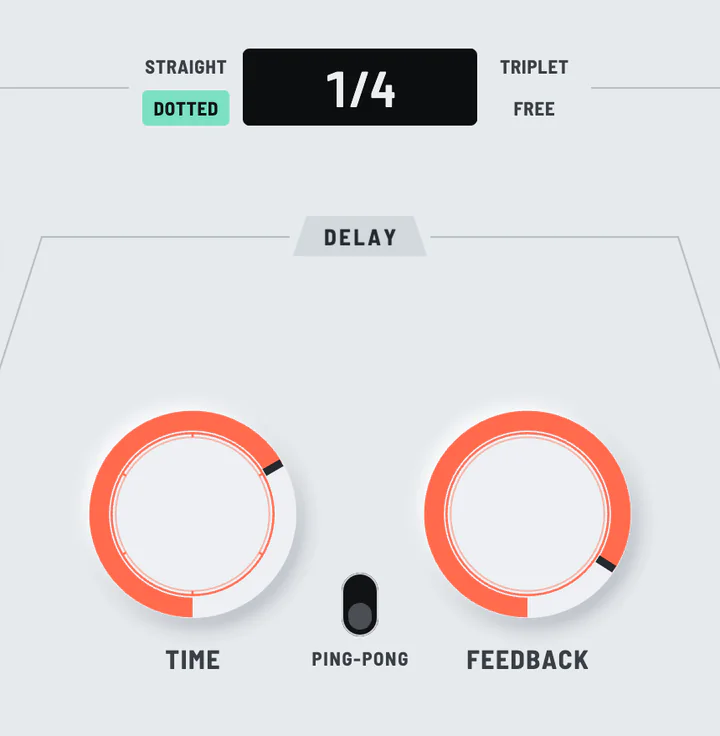
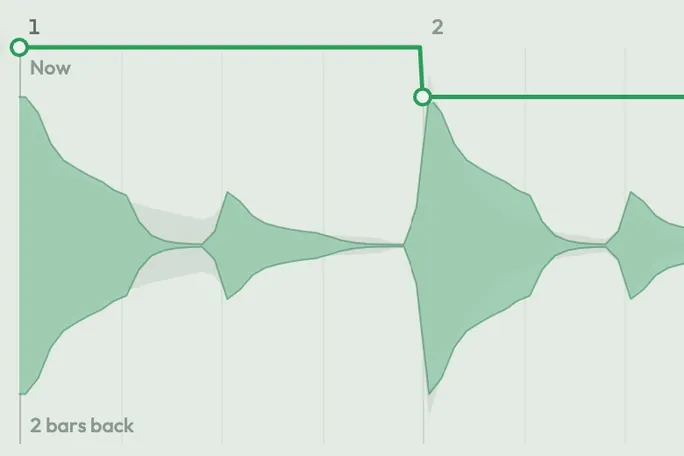
GR-7 Grain Delay records the last four seconds of whatever plays through it and reads that recording back as grains from 5 ms to 1 s long, up to 16 in each burst. Bursts start on your song’s grid or up to 200 times a second, any grain can be moved up to two octaves onto notes you pick or played backwards, and Freeze stops the recording so the grains keep reading the same four seconds.
- 100 presets
- 9 folders
- 4 knobs
- VST3 and AU
$79.00
It’s a one-time payment, and it keeps playing with all of its presets whatever your plan.
GR-7 Grain Delay demoHear it before and after
100 presets
Sorted into 9 folders and named for how they sound, so you can get to the right one quickly.
- One-Voice ChoirVocals0:14
- Octave HaloVocals0:11
- Fifths PopMelodies0:10
- High SparkleMelodies0:12
- Dotted Quarter BurstBursts0:10
- Triplet BounceStrums and Bounces0:10
- Wide Half-Note StrumStrums and Bounces0:11
- Far-Back CloudScatter0:13
- Spinning ScatterScatter0:11
- Quarter Ping-PongEchoes0:11
+ 90 more presets
What each knob does to the cloud
Hold
Stretches each piece longer and slower until the cloud hangs in the air.
What it moves
How long each piece is, how widely they scatter back in time and how slowly the cloud moves through your sound.
How it was made
GR-7 Grain Delay is built on Live Grain, a granular engine of Studio 56’s own that keeps the last four seconds of what you play and replays them as grains. Studio 56 measured the engine against a written spec of its own, including checks that, on a steady noise, the cloud stays within a decibel of your sound’s loudness with anywhere from 1 to 64 grains overlapping.
- Grains moved up to two octaves, held to octaves, fifths, chords or a scale, with any share of them played backwards.
- Freeze stops the recording, so the grains keep reading the same four seconds for as long as it is on.
- A filter, a chorus, an echo, a plate reverb and a compressor after the grains.
GR-7 Grain Delay
A granular effect that cuts any sound into grains and replays them in time with your song.
- One-time paymentIt keeps playing with all of its presets whatever your plan.
- 100 presetsSorted into 9 folders and named for how they sound.
- VST3 and AUWorks in Ableton Live, Logic Pro, GarageBand, FL Studio and other DAWs.
- Goes to your Studio 56 library once you paySign in with that email on any computer and it’s there.
GR-7 Grain DelayStudio 56
$79.00
If you subscribe to Pro, GR-7 Grain Delay is already yours. Log in to see.
GR-7 Grain Delay at a glance
- Product type
- Effect
- Number of presets
- 100
- Sound category
- Creative, Delay
- Plugin formats
- VST3 and AU
- Runs in
- The Studio 56 plugin, free
- Manual
- GR-7 Grain Delay manual
System requirements
- macOS
- Windows
- VST3
- AU
- Mac
- macOS 10.15 Catalina or later, on Apple silicon or Intel
- Windows
- Windows, 64-bit
- Plugin formats
- VST3 and AU on Mac, VST3 on Windows
- DAWs
- Ableton Live, Logic Pro, GarageBand, FL Studio and other DAWs that load VST3 or AU plugins, but not Pro Tools
- Internet
- To sign in, to get what you buy and to make instruments and effects, but not to play them
Installing, offline use and more are on the Support page.
GR-7 Grain Delay FAQ
Does GR-7 Grain Delay keep working if I buy it?
It’s a one-time payment, and it keeps playing with all of its presets whatever your plan.
Is GR-7 Grain Delay included in Pro?
Studio 56 Pro comes with GR-7 Grain Delay and everything else on the shelf, and lets you make plugins of your own.
Which DAWs does GR-7 Grain Delay work in?
It opens in the Studio 56 plugin, a VST3 and AU that works in Ableton Live, Logic Pro, GarageBand, FL Studio and other DAWs.
How many presets come with GR-7 Grain Delay?
It comes with 100 presets in 9 folders.
Do I need an account to buy it?
You pay with your email, and it goes on the Studio 56 account for that email, which is made for you if you don’t have one. Sign in with that email on any computer and it’s there.
What if something doesn’t work?
Email oliver@studio56.ai and I’ll help you get it working.
More plugins
View all